Summary
This project converted an instructor-led brand training into a self-paced eLearning experience for global Data & Intelligence (DXI) employees. Built in Articulate Rise, the course introduces the organization’s refreshed visual identity system and teaches learners how to correctly apply logos, color, typography, imagery, and templates in their work. Interactive examples and scenario-based knowledge checks help reinforce consistent brand application across communications and presentations.
Work samples are provided for portfolio purposes with permission from stakeholders and may not be copied, distributed, or reused without authorization.
Context
Duration: 30 minutesE-Learning adapted from live presentation
Audience
Over 500 global Data & Intelligence employees from all 5 regions at Edelman: US, EMEA, Canda, Latin America, and Asia Pacific.
These employees do not often work with creative design tools and have roles that focus on data & analytics. However, the marketing team within this function wanted DXI employees to understand branding and design fundamentals for deliverables.
Roles
Instructional Designer
Graphic Design (partnership with SME)
Project Manager
Tools
Articulate Rise
Articulate Review
Canva
Figma
Flipbook
Microsoft PowerPoint & Word
AnalyzeBackground & Challenge
DXI marketing stakeholders initially proposed developing a multi-course training series with instructor-led sessions to teach design fundamentals alongside updated brand guidelines.
However, the target audience consisted of employees who occasionally create presentations and documents but whose roles are not design-focused. These employees have limited time for training and primarily need clear guidance on how to apply brand standards when creating basic deliverables.
At the same time, marketing stakeholders were spending significant time answering branding questions and correcting inconsistent or poorly designed materials before they were distributed.
Through a needs analysis, we determined that a large, multi-course training program was unnecessary for this audience.
Instead, I designed a concise course that introduces the updated brand guidelines, provides foundational design and technical guidance, and addresses common questions employees encounter when creating branded materials. The course also directs learners to more in-depth design trainings already offered through the organization’s global L&D programs for those who want to further develop their design skills.
This approach provided DXI employees with flexible learning options—offering essential guidance on brand standards while connecting those interested to more advanced design training. At the same time, establishing clear best practices in a global course reduced the DXI marketing team’s time spent answering branding questions and correcting design inconsistencies.
At its core, the course was not intended to function as a comprehensive “Design 101.” Because the audience is not expected to be professional designers, the goal was to provide enough foundational knowledge for employees to confidently apply brand standards in their work, along with practical tools and centralized resources they could use to replicate those practices across different types of deliverables.
Design
Storyboard Outline
This storyboard maps the course structure, content flow, and key interactions used to support the learning objectives.
Download the PDF below to view the full storyboard.
DevelopmentThe Solution
Learning Objectives
I redesigned the training as a concise, self-paced eLearning course built in Articulate Rise 360. The course uses visual examples, interactive comparisons, and scenario-based knowledge checks designed around principles from Bloom’s Taxonomy to help employees move beyond recognizing brand guidelines to applying them in real work situations.
Objective 01Describe the key elements of our brand and visual identity.
Understand.
This learning objective was designed to meet the “understand” level in Bloom’s Taxonomy because we want learners to be able to understand concepts well enough to describe them.
How this objective was addressed in the course:
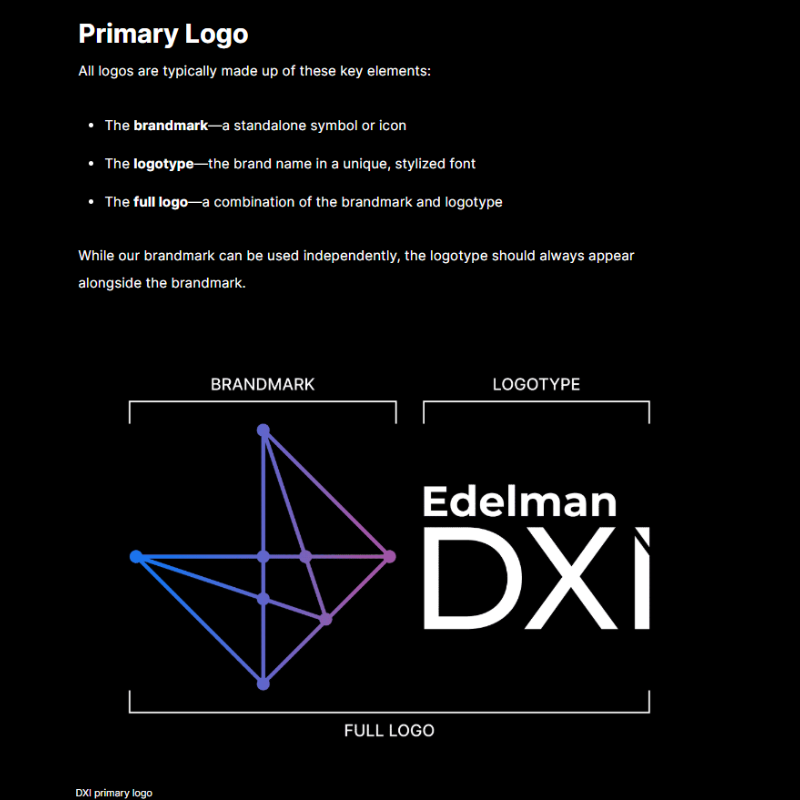
Module 1: Visual Identity Overview introduces the purpose of DXI’s visual identity and its relationship to the Edelman brand using explanatory text and visual examples.
Learners review a “Brand at-a-Glance” visual summary that introduces the core components of the visual identity system, including logos, color palette, typography, imagery, and graphic elements.
Each core brand element is then explored in dedicated modules (Modules 2–5), allowing learners to build understanding of each component individually before applying the guidelines.
Modules include labeled graphics and annotated examples that break down how each brand element functions within the overall visual identity system.
Visual examples of correctly branded presentations and graphics help learners recognize the identity elements in real DXI materials.
A knowledge check activity asks learners to identify correct brand components and concepts introduced in the course.
Objective 02Apply best practices for using logos, color, typography, imagery, and graphic elements in brand materials.
Apply.
This learning objective was designed to address the “Apply” level of Bloom’s taxonomy because we want learners to be able to also apply their knowledge.
How this objective was addressed in the course:
Module 1: Visual Identity Overview introduces the purpose of DXI’s visual identity and its relationship to the Edelman brand using explanatory text and visual examples.
Learners review a “Brand at-a-Glance” visual summary that introduces the core components of the visual identity system, including logos, color palette, typography, imagery, and graphic elements.
Each core brand element is then explored in dedicated modules (Modules 2–5), allowing learners to build understanding of each component individually before applying the guidelines.
Modules include labeled graphics and annotated examples that break down how each brand element functions within the overall visual identity system.
Visual examples of correctly branded presentations and graphics help learners recognize the identity elements in real DXI materials.
A knowledge check activity asks learners to identify correct brand components and concepts introduced in the course.
Objective 03Identify and access available brand templates and key resources to support consistent branding.
Remember.
This learning objective was designed to achieve the “Remember” level of Bloom’s Taxonomy because we want learners to be able to find this information again with the resources provided after the training. The goal of the training isn’t memorization, it’s recognition and application.
How this objective was addressed in the course:
Module 6: Templates & Resources introduces the official DXI template library used for branded communications, including PowerPoint design templates and Word proposal templates.
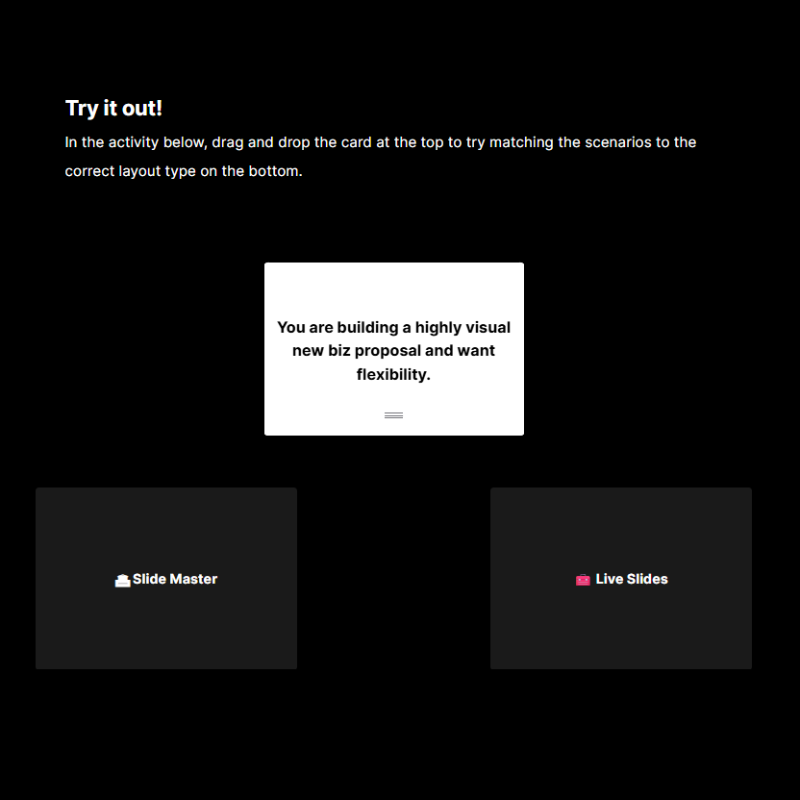
The module explains the difference between Slide Master layouts and Live Slides, helping learners understand how to structure branded presentations correctly.
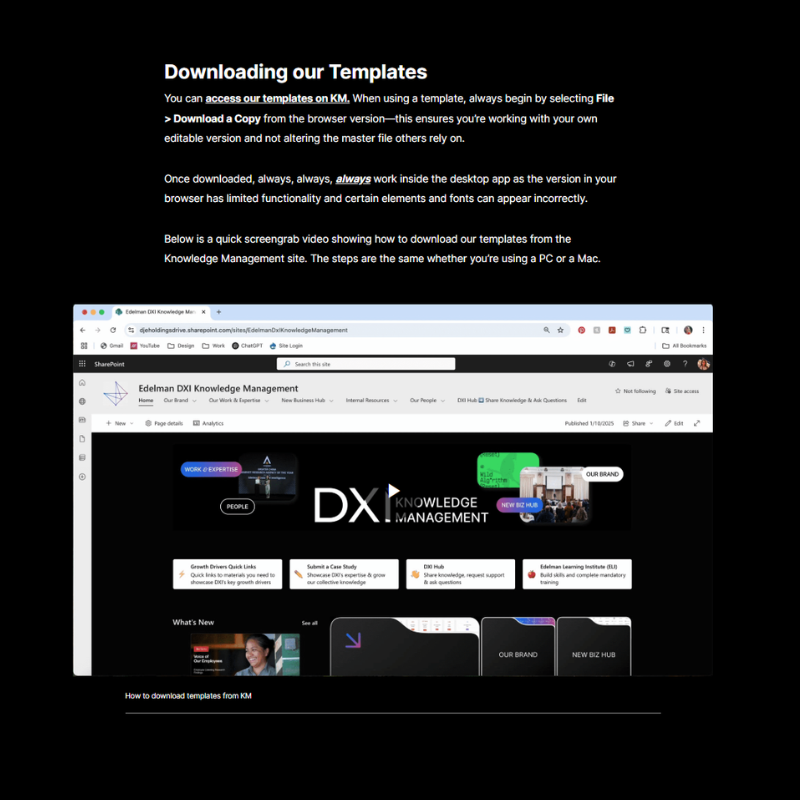
Learners review step-by-step guidance for downloading and using templates, including how to insert branded slides into new presentations.
The course directs learners to the DXI “Our Brand” Knowledge Management hub, where assets such as logos, fonts, templates, and imagery libraries are stored.
The training demonstrates how to insert and adapt slides from brand templates, helping learners apply the correct workflow when creating presentations.
Links to design checklists and resource pages provide quick access to the tools needed to maintain brand consistency.
Interactivity Samples
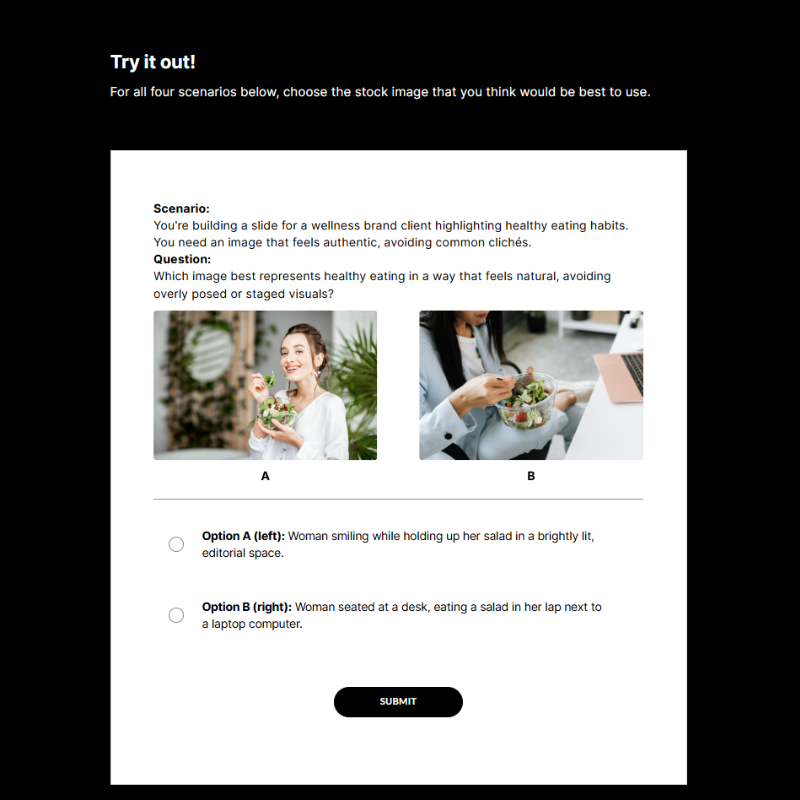
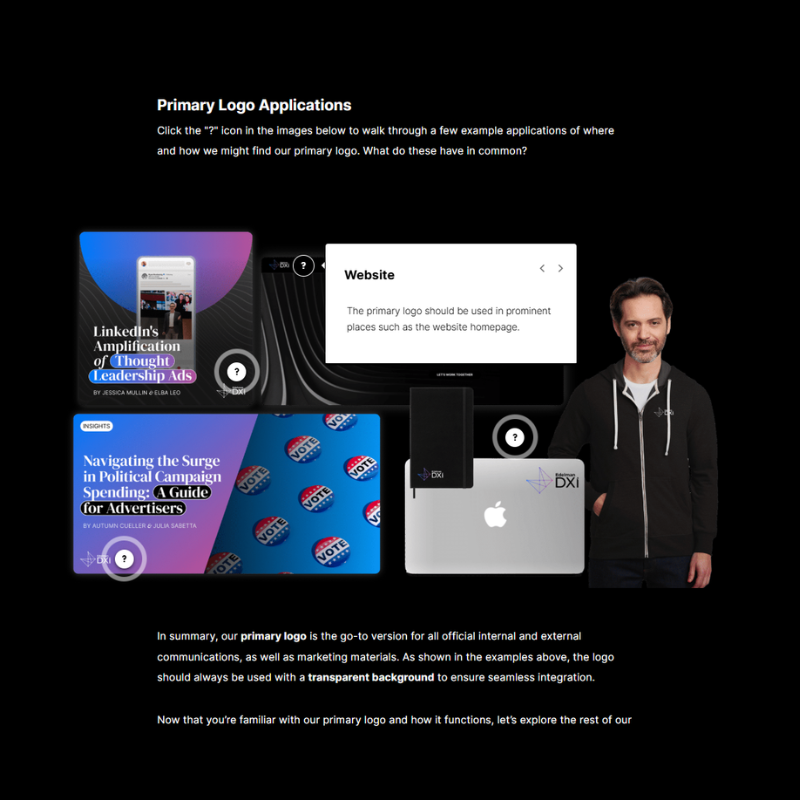
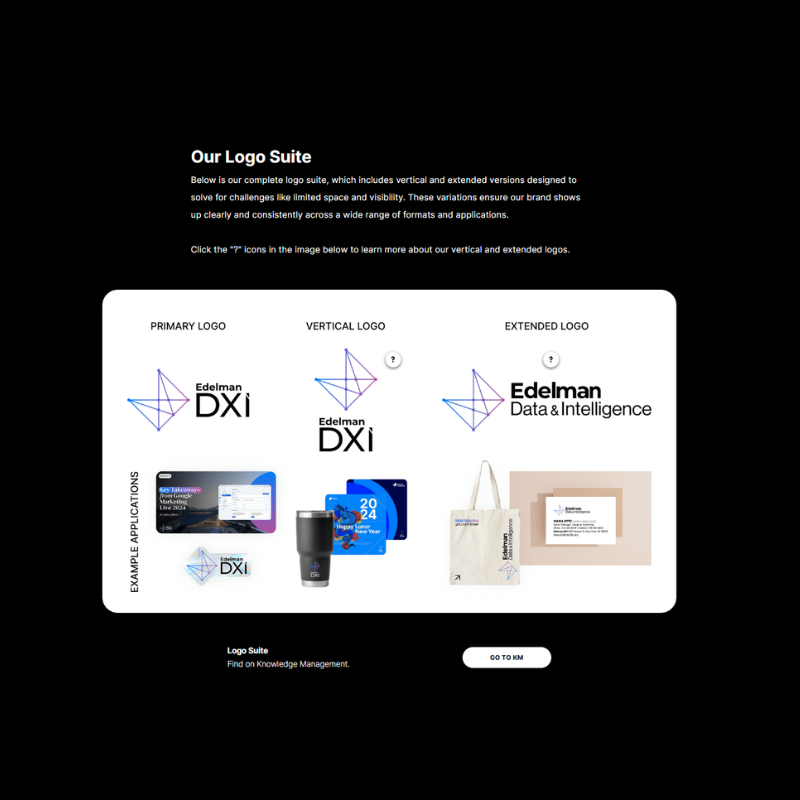
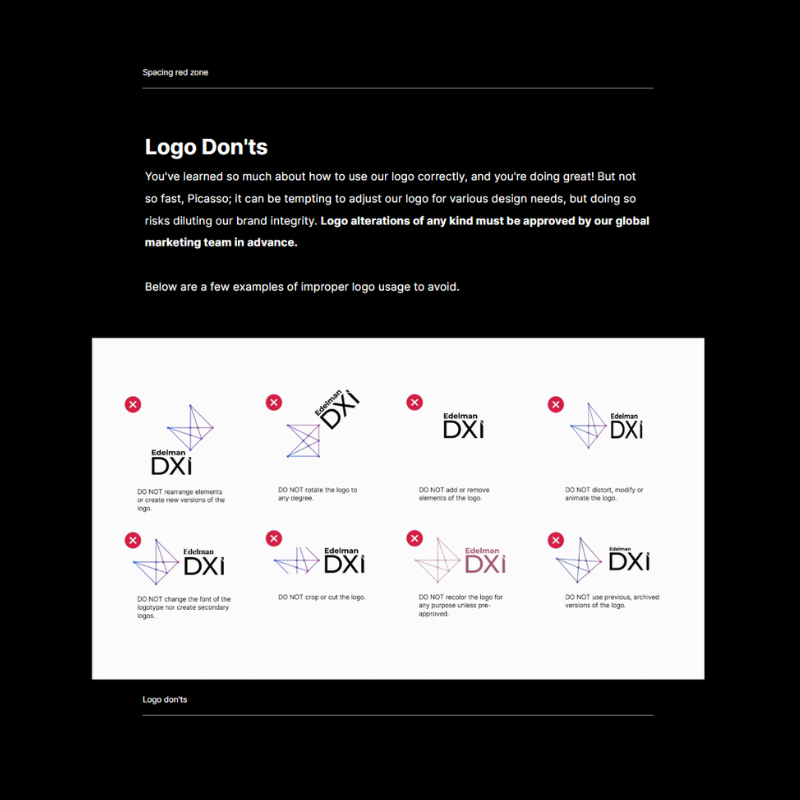
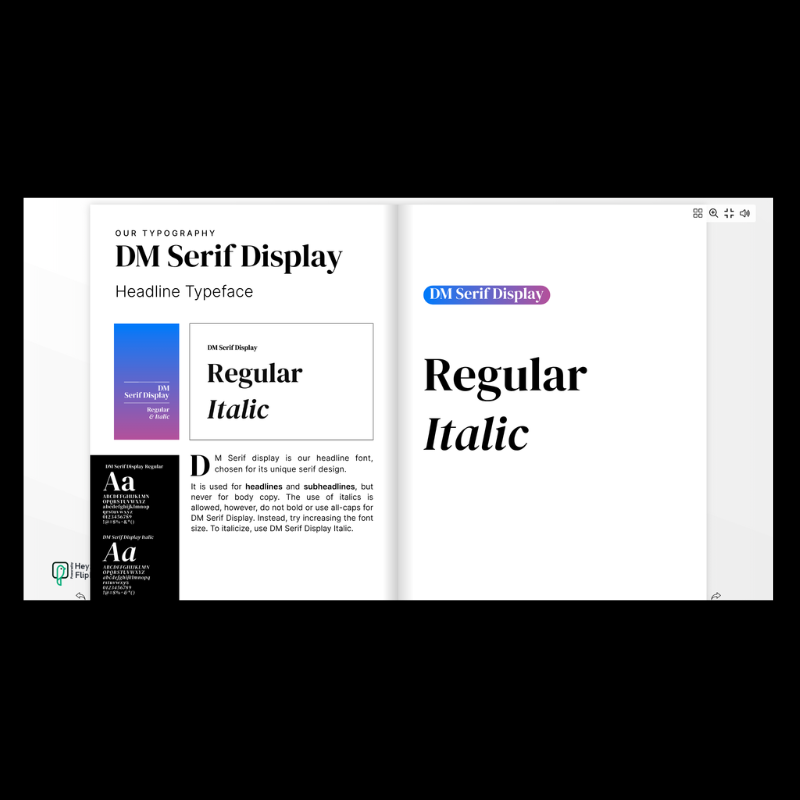
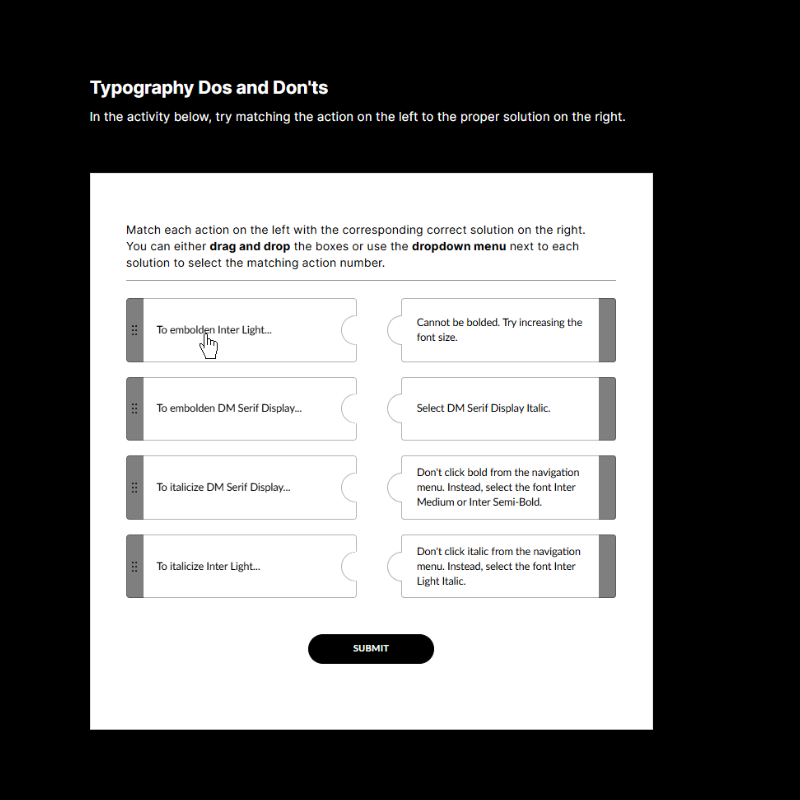
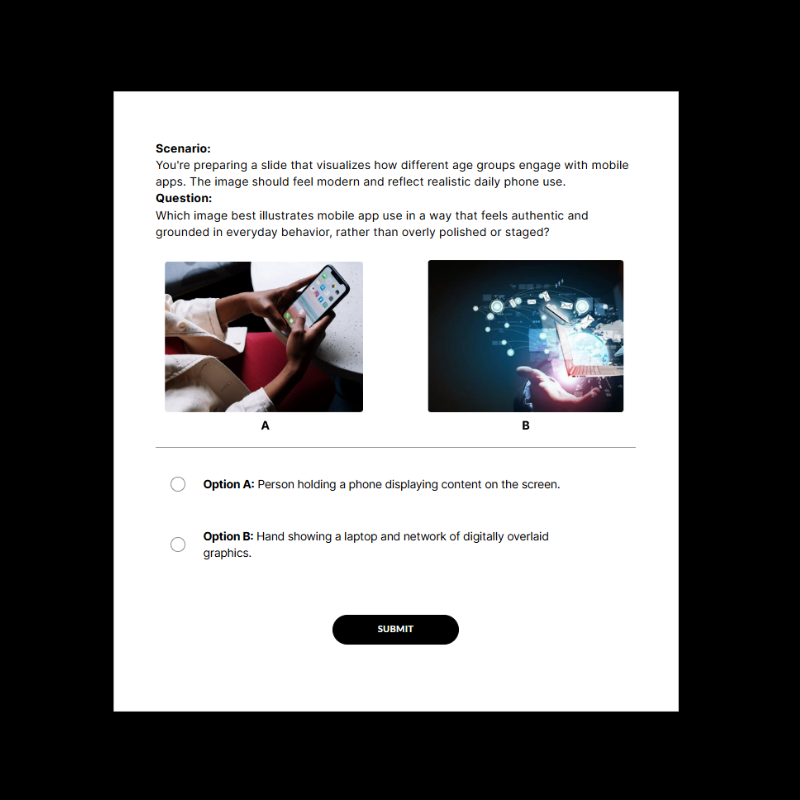
The screenshots from the course below represent some of the different activities and interactive elements present in the course in order to further learner understanding, such as:
Interactive labelled graphics to section information
Accordion, tab, process, gallery, and timeline elements to break down content into bite-size pieces
Attention-grabbing visuals with real-world examples, scenarios, and easy-to-follow instructions
A combination of graphics, videos, written directions, and links to other resources to ensure learners are able to access information in different formats, ensuring retention and accessibility
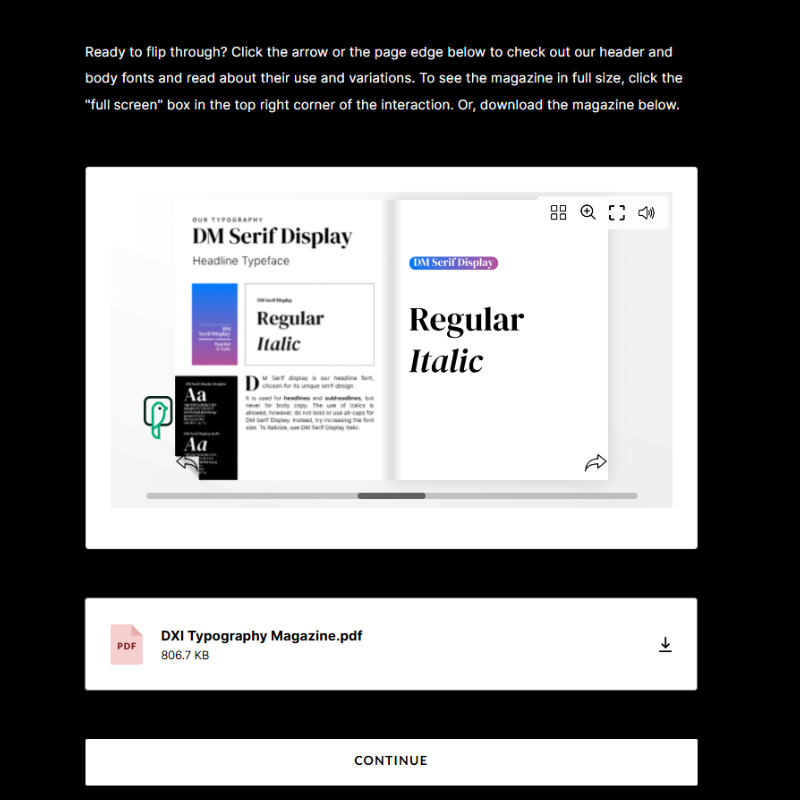
Matching, magazine flipbook, drag and drop, sorting, and flashcard-based activities so learners can practice real skills in engaging formats
Scenario based skill checks placed strategically throughout the course to solidify and practice understanding of concepts, with a knowledge check at the end
Communications
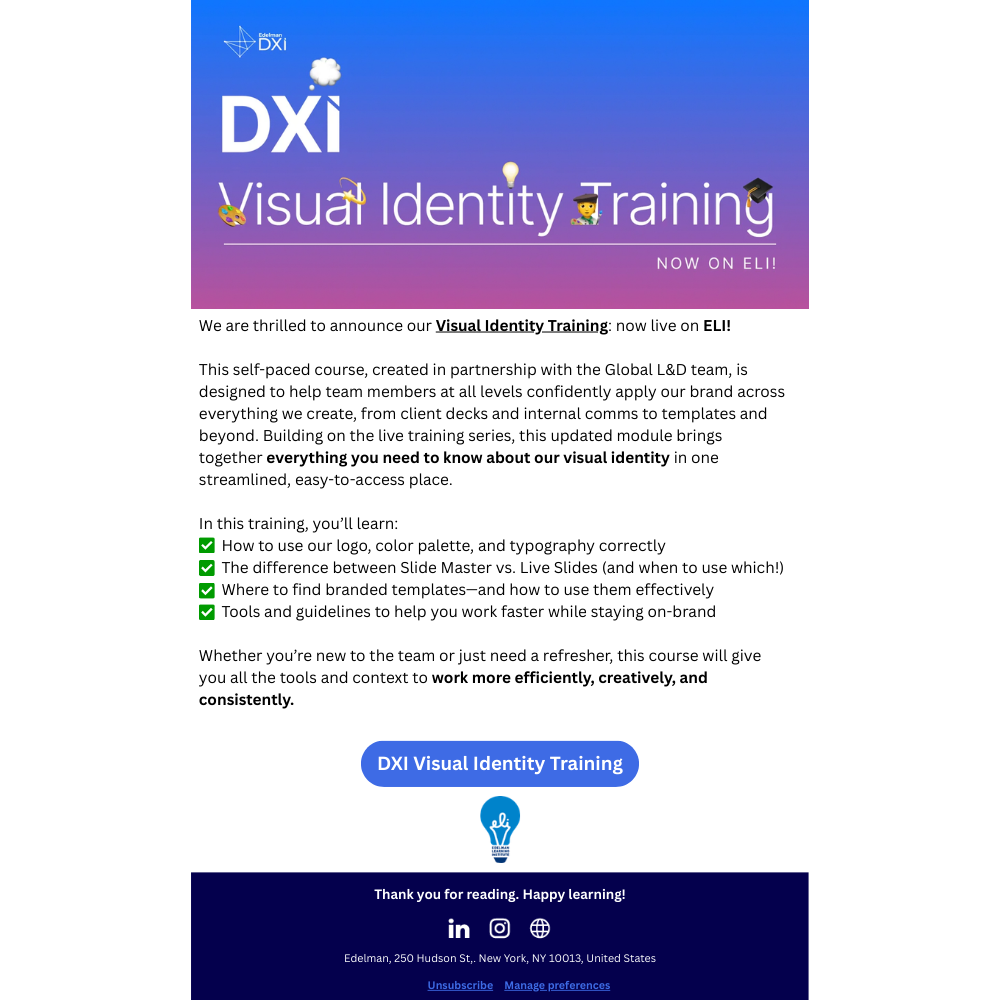
ImplementationI partnered with DXI stakeholders and the global marketing team to plan and execute the internal communications strategy for the course launch. Together we developed and distributed announcement messaging to all global DXI employees, positioning the training as the central resource for understanding and applying the company’s updated visual identity across presentations, communications, and client materials.
Impact:
The launch established the course as the primary reference point for DXI’s refreshed brand guidelines, helping ensure employees across regions had a consistent, accessible resource for applying visual identity standards in their day-to-day work.
EvaluationEvaluation & Measurement
Course effectiveness was evaluated using two primary indicators:
Course evaluation feedback: Learner feedback collected through post-course evaluations helped assess clarity, usefulness, and overall learner satisfaction.
Operational impact: The DXI marketing team tracked the number of brand guideline questions, design errors, and requests for follow-up training after the launch. These support requests decreased significantly, indicating improved understanding and application of the visual identity standards.
Results
4.5 stars overall average rating of course
“Okay, I’m obsessed.”
— DXI VP Marketing Subject Matter Expert“You’ve been a superb partner.”
— DXI Stakeholder“I feel very confident that this training will help me perform my job more effectively.”
— Response from several global learnersReflection
Designing this course pushed me to be more creative with Articulate Rise 360. While I love using Rise because it makes it easy to work on and update projects easily, I would have preferred using Articulate Storyline for the interactions within the course. However, that wasn’t an option for this project. Working within those constraints, I explored ways to increase engagement using Rise’s existing features. For example, I created a flipbook-style magazine layout using Flipbook and Rise’s HTML block feature to present typography guidelines in a more editorial and visually engaging format, which the SME especially appreciated.
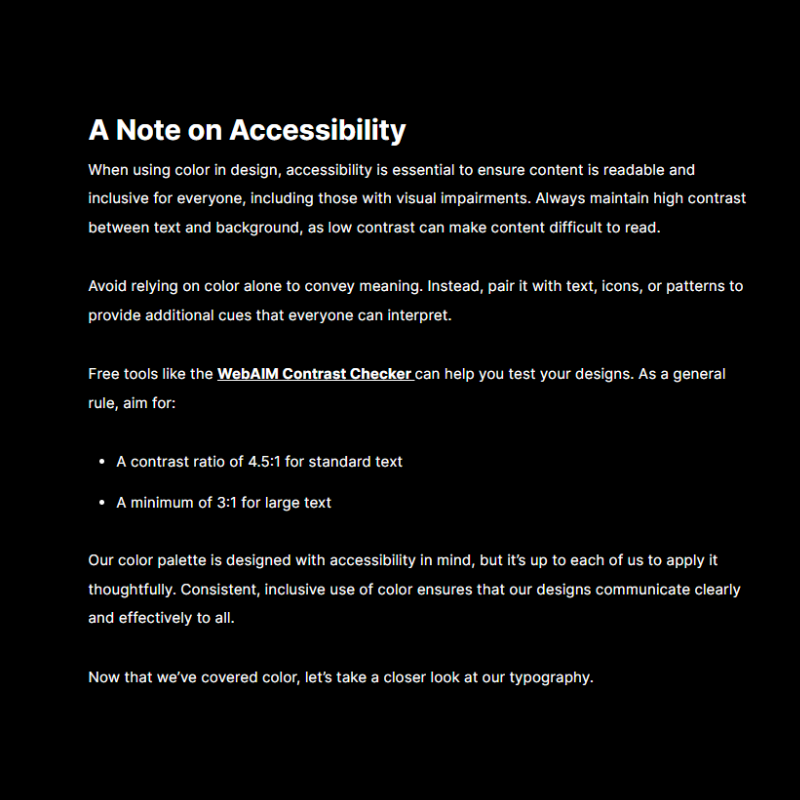
This project also gave me the opportunity to deepen my understanding of accessibility and web design standards, particularly Web Content Accessibility Guidelines. In addition to applying these principles in the course design, I included a short section to help learners incorporate accessible design practices into their own materials.
Finally, this project reinforced the importance of conducting a needs analysis and clarifying the true request from stakeholders and SMEs. Without that process, the training could easily have expanded into a much larger multi-course program that required significantly more time from both the training team and subject matter experts. By focusing on the core need of helping employees apply brand guidelines efficiently and leveraging existing resources, the final course avoided unnecessary cognitive overload for learners and delivered a more targeted and practical solution.